Visions of Yesterday
What is it?
A story based experience, developed in Unity, where the user will see visual impairments that try imitate dementia symptoms.
Its original use case, was to create empathy on professional and at home carers, so that they have a better understanding about the struggles
that a person with dementia might experiment daily.
It was delivered as the client project for TTT Studios on the VR/AR design and development program at Vancouver Film School.
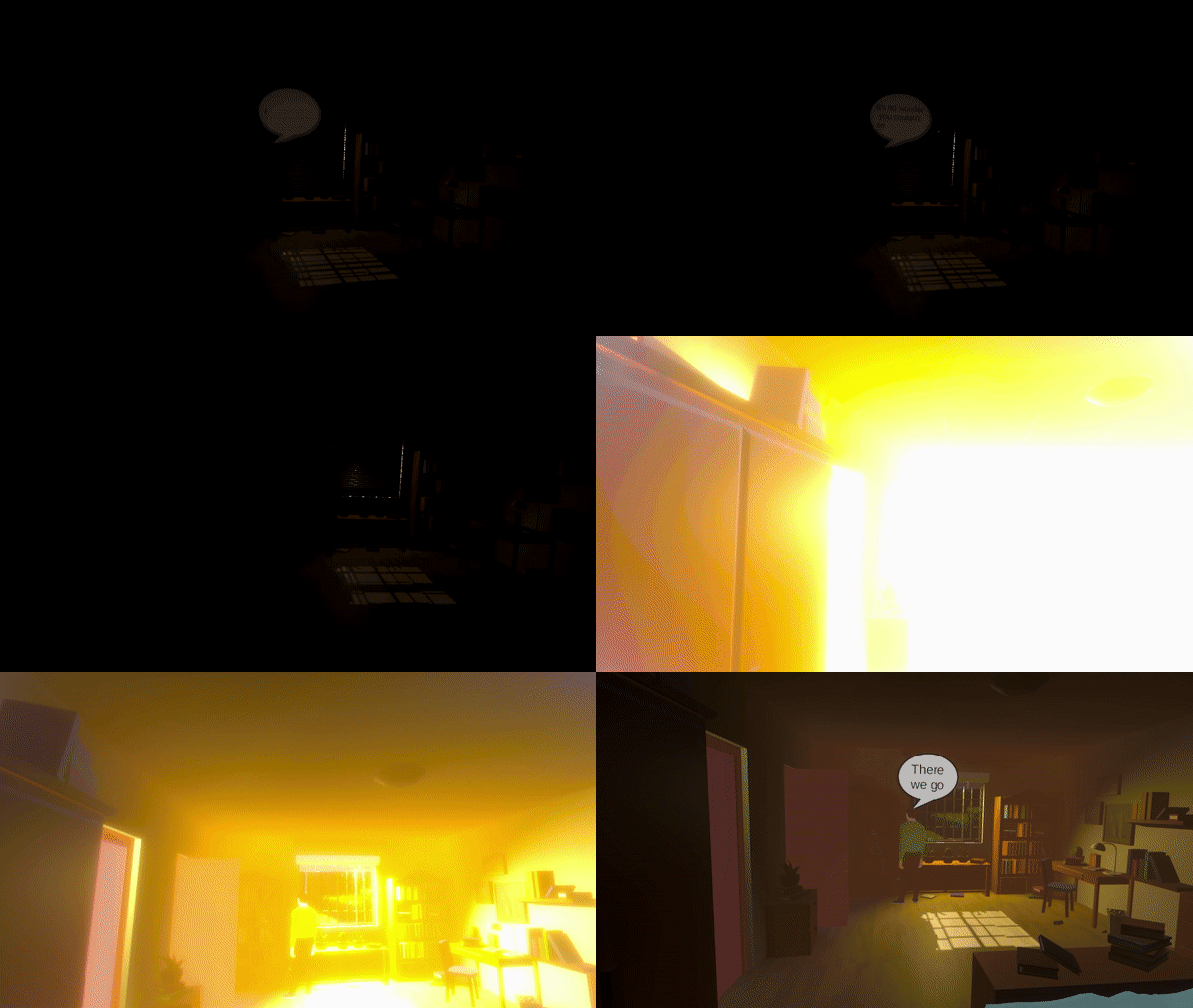
How did we do it?
In a team of four people, we were assigned with the task to ideate and develop "A VR experience that puts dementia care workers in the shoes of someone who has dementia would go a long way toward understanding the people they’re taking care of."
The team decided to go for a story based experience, where they are take the place of a person with dementia and have a someone helping them regularly with daily tasks.
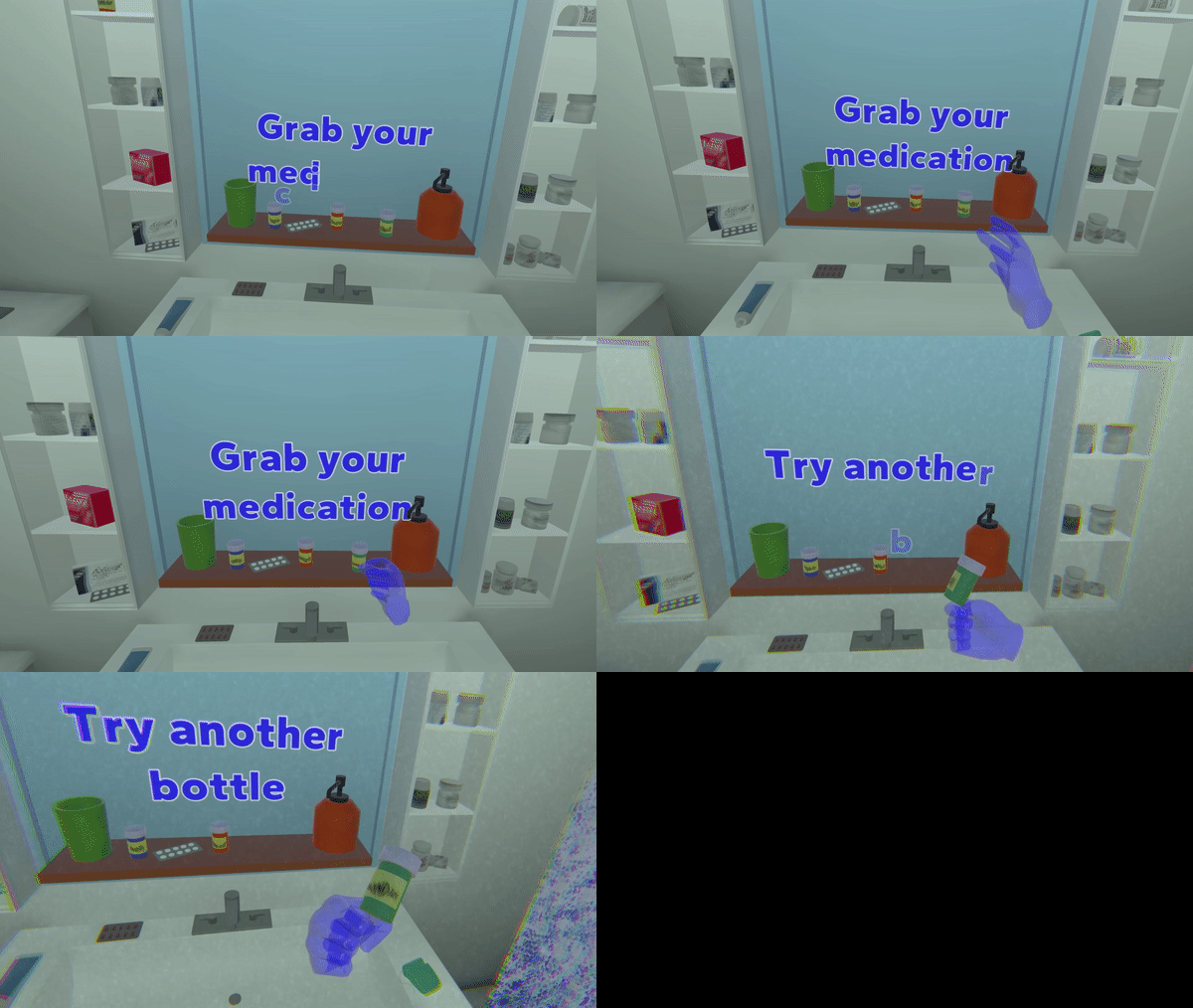
The user does not have many interactions other than asking for help, and experience first hand visual impairments that try to annoy when trigegred, this, with the intent of being frustrating to try to generate empathy.
What did I do?
Because of the limited time we had (4 months) to plan, develop, adjust with the client likings, and other projects + homework, I knew before starting that someone would have to take the main responsability. I made the suggestion of being the main programmer and project manager because I considered myself the person with the most experience, to which all the team members agreed on.
Project management
Following the basics for an agile methodology, I created a Trello board for the tasks together with the team, assigning priority, and the category we considered. We had weekly meetings, on which I would move all the member's tasks and continuously replan according to everyone's progress and impediments. Another person from the team and I created the timeline and defined the scope capacity based on the tasks we had, and we all together defined the risks that the project could come across.Programming
The project required us to use Unity, so I set up the repository on Github and a basic engine structure with the XR Interaction Toolkit, for which I had a coulpe of sessions with the other team members for teaching them how to use, since not everyone had experience with either Github, or Unity.
Once the very basic functionality was done, I started to think on the best approach of how not so techical people could understand, and with the proper training, develop a story based experience.
For this, I adjusted all the calls and assignations between objects inside of the scripts and created a template scene, on which there are very few objects that should be edited.
In the image slideshow, Img 1 shows the interactions Manager, which was used to decide the sequence of what would be happening. This script can call for a player dialogue or acions, character dialogue or scene action.
On Img 2, you can see the PlayerController, which was filled mostly with dialogues.
And on Img 3, there is the CharacterController, which could also receive dialogues, but also animations to play, or if the character had to move to another location.

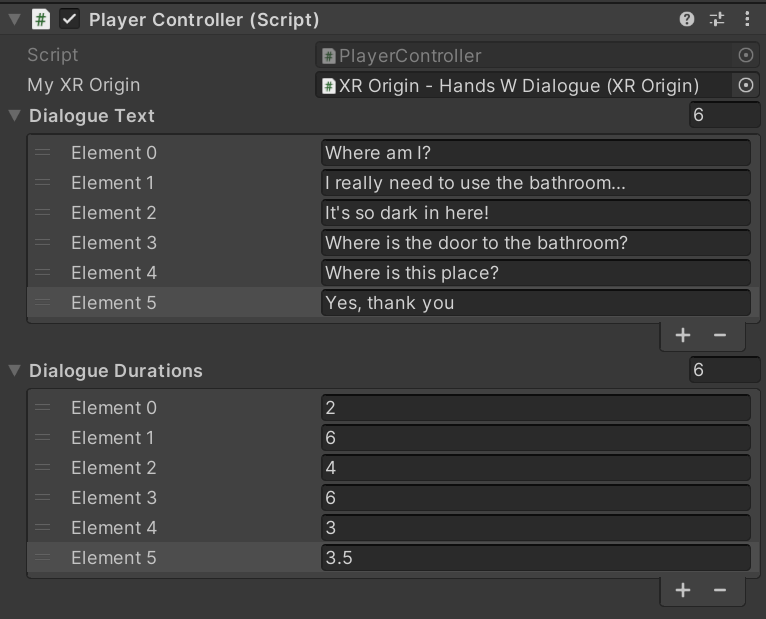

This allowed the people with less experience to understand more easily where a dialogue or an action can be added and how to organize it in a specific order. Although I managed to get various of the character actions to be fully managed on the engine, such as the dialogues text, audios, durations, animations, and even walking paths, most of the other interactions had to be programmed (Although the order of everything that happens on the experience is set on the engine).
What I could have improved:
- If I had more time, I would like to create a more restrictive, custom editor for the actions that depending on the interaction to have, it adds, or removes inputs, so that it can be much easier to keep track of how everything is called.
- I'm also very sure that the other interactions, such as grabbing an item, controlling lights, playing or pausing a visual effect, etc. Although they must be initially programmed, they could be kept on a list and then called and adjusted also in engine, so it makes the job for the designers way easier.
If you want to know a little more about how everything works...
I decided to create a coroutine event based communication between an interactions manager script, characters, a player, and scene actions. The manager script iterates through a list that is filled on the inspector per scene and calls the respective event, so the subscribed class performs somehting.-
Multiple characters:
- A dialogue with a text to be displayed, and either an audio or a fixed duration.
- Walk somewhere
- Play an animation
-
A player:
- A dialogue with a text to be displayed, and either an audio or a fixed duration.
- Be positioned somewhere
- Interact with the environment
-
Visual effects:
- A manager class that is in charge of tweening post processing effect values to adjust for great visual effects.